Paparazzi
- Take quality photos with the Montana 750i/760i 8MP autofocus camera with LED flash.
- Each photo is geotagged with location and heading information.
- Share photos with friends, create Garmin Adventures, or navigate back to the photo's location at a later time.
- The Camera can also be accessed directly from the Status page.
Settings
- Select [Setup > Camera] to configure:
-
Photo Resolution
(750i Only)
- 8MP (3264 x 2448)
- 5MP (2592 x 1944)
- 2MP (1600 x 1200)
-
Storage Location
- Internal (GPSr\DCIM\1000GRMN)
- Data Card (microSD\DCIM\1000GRMN)
-
Photo Resolution
(750i Only)
Camera
Flash
- Touch Flash icon to cycle camera flash mode between 'On > Off > Auto' as desired:
 |
 |
 |
|---|
Taking Photos
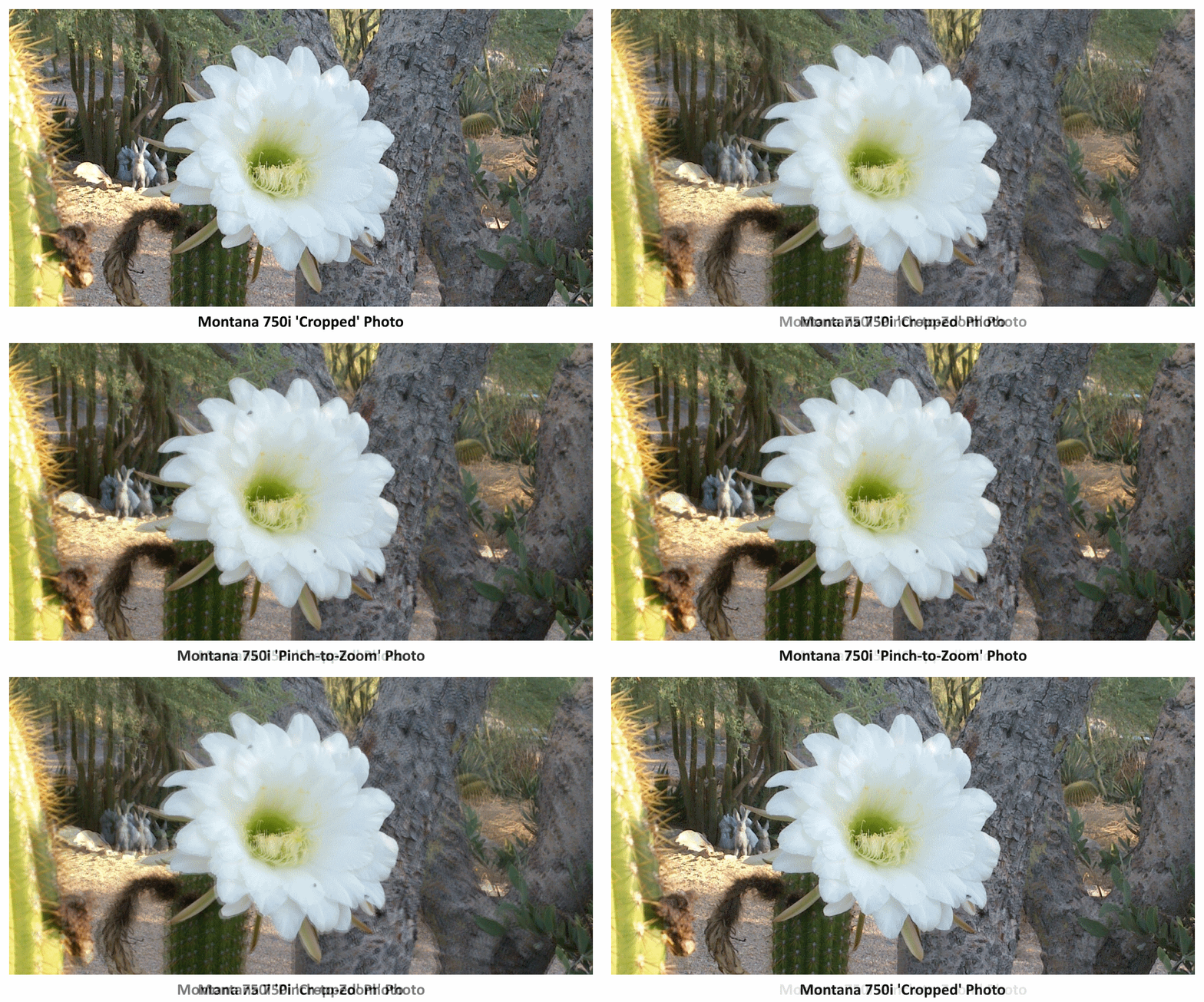
- Tip: Cropping a full size photo in post-processing will always result in a higher quality image than 'pinch-to-zoom' can provide (example).
Portrait
 |
 |
 |
 |
|---|---|---|---|
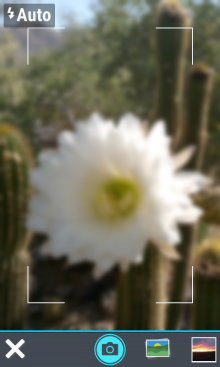
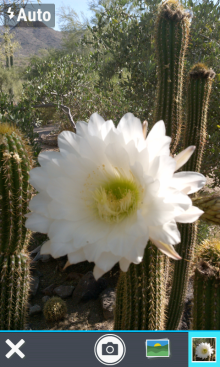
| Frame your photo,
adjusting magnification with pinch-to-zoom (750i Only) |
 Press and hold to focus image (750i Only) |
Autofocus complete (750i Only) |
Slide off to abort |
 |
 |
 |
 |
|
Release to take photo |
 View Camera Roll |
 Open Photo Viewer |
 Exit Camera |
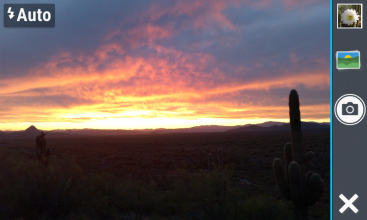
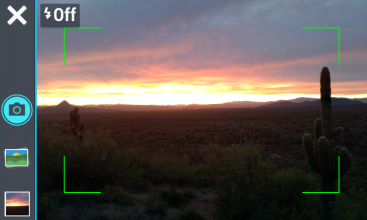
Landscape
 |
 |
|---|---|
| Rotate the Montana 750i/760i 90° in either direction to take Landscape photos using left or right side controls | |
Camera Roll
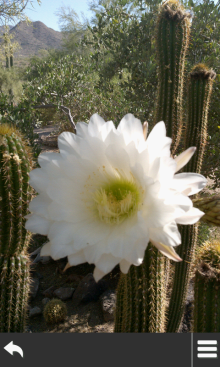
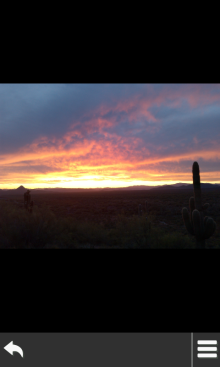
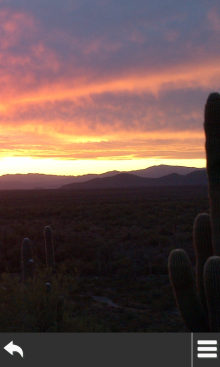
- View photos recently taken with the Montana 750i camera:
 |
 |
 |
 |
|
|---|---|---|---|---|
| Swipe screen side to side to browse camera roll |
Double Tap or Pinch to zoom image in/out |
 Return to Camera page |
 Option Menu |
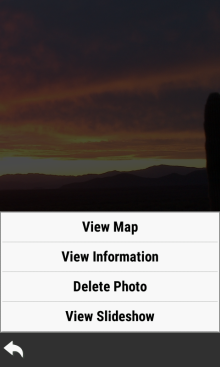
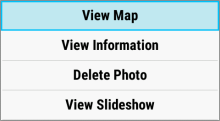
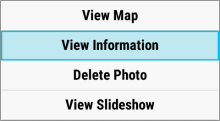
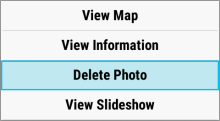
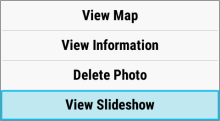
Option Menu
- Select
to access Camera Roll options:
 |
 |
 |
 |
|---|---|---|---|
| [View Map] | [View Information] | [Delete Photo] | [View Slideshow] |