- Mass Storage Mode provides access to files stored in Montana 700/700i/750i internal memory and installed microSD card.
- When connected to a computer via USB cable, the Montana will detect the connection and enter Mass Storage Mode automatically.
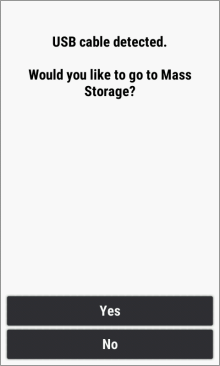
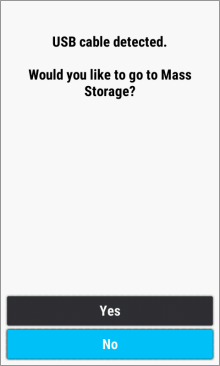
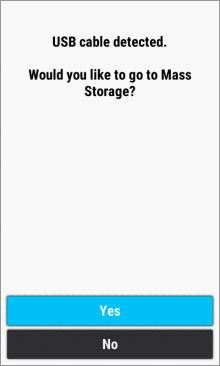
- When connected via USB with Setup > System > Advanced Setup > Interface = Garmin Spanner, the Montana will prompt the user:
 |
 |
 |
 |
|---|---|---|---|
| Enter Mass Storage Mode? | Select [No] to use the GPSr while sharing GPS data via USB |
Select [Yes] to enter Mass Storage Mode |
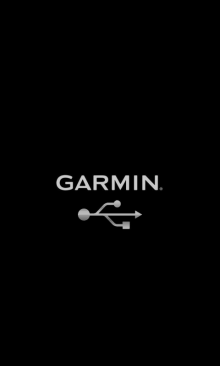
Mass Storage Mode Enabled |
