


|
|
Scroll to previous selection |
|
|
Scroll to next selection |
|
|
Confirm current selection |
|
|
Press and Hold to open Voice Command |
|
|
Press to go back one page |
|
|
Press and Hold to open the Action Menu |
|
|
Press to open the Lock Screen |
|
|
Press and Hold to open Controls |
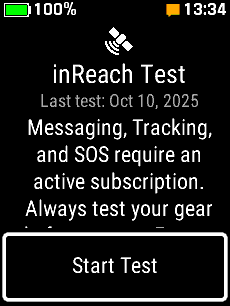
| inReach Service Test | |||
 |
 |
 |
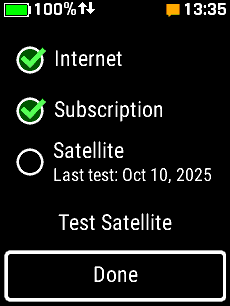 |
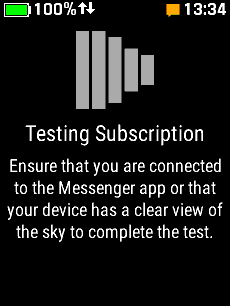
| Select 'Test Device' | Select 'Start Test' | Testing Subscription... | Select 'Done' to Exit, or... |
|
|
|
|
|
 |
 |
 |
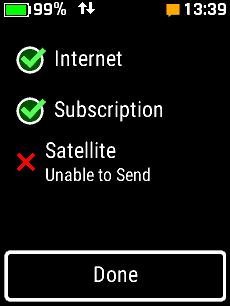 |
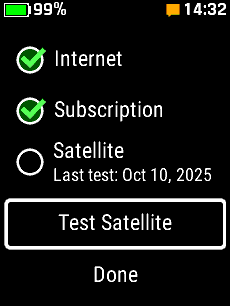
| Select 'Test Satellite' | Sending Test Message... | Test Successful | Test Failed |
|
|
|
|
|
