
Configure the appearance and layout of the Main Menu and Drawer pages for the Active Profile:
- Add or Remove Main Menu pages
- Change the number of icons on each Main Menu page
- Select individual Dashboards for each Main Menu page
- Choose the Main Menu start page for the active profile
- Add, Remove, Swap or Insert icons as desired
- Transfer icons between Main Menu and Drawer pages
Main Menu
- Main Menu screens scroll horizontally in Portrait Mode, and vertically in Landscape Mode:
|
|
|
|
| Landscape Left [Setup > Appearance > Landscape Controls > Left] |
Portrait | Landscape Right [Setup > Appearance > Landscape Controls > Right] |
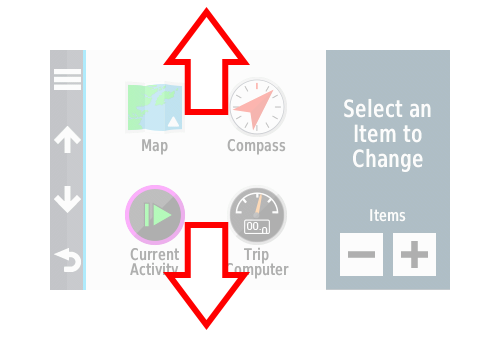


Main Menu Configuration
- Use

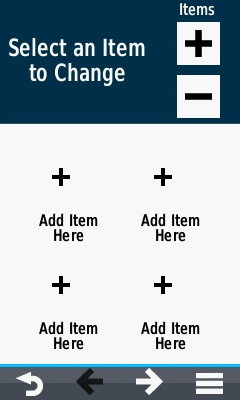
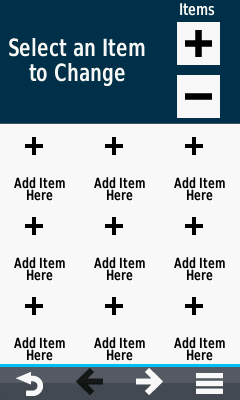
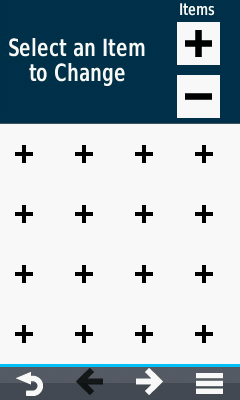
 to configure each main menu screen for 2x2, 3x3, or 4x4 icons:
 |
 |
 |
||||
|---|---|---|---|---|---|---|
| 4 Icons per Page | 9 Icons per Page | 16 Icons per Page |
Add Main Menu Icon
 |
 |
 |
 |
|||||
|---|---|---|---|---|---|---|---|---|
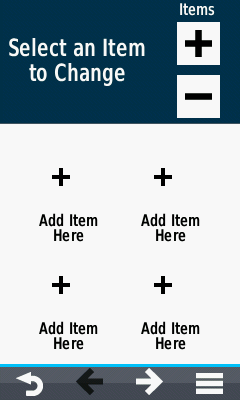
| Select a position to place the new icon, |
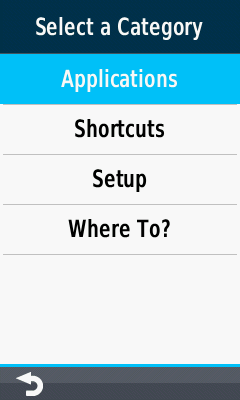
Choose from Applications, Shortcuts, Setup or Where To? |
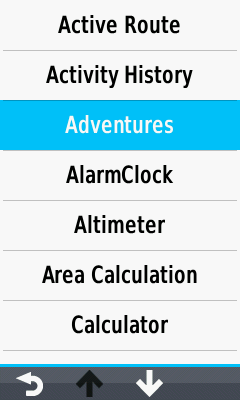
Make a selection from available options, |
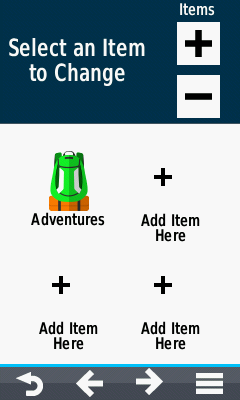
And the selected icon is placed. |
Remove Main Menu Icon
 |
 |
 |
 |
|||||
|---|---|---|---|---|---|---|---|---|
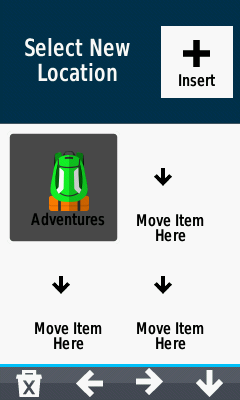
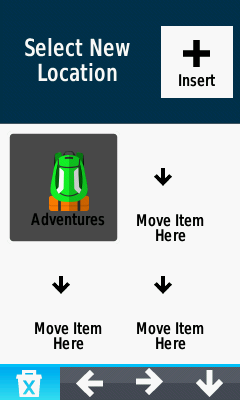
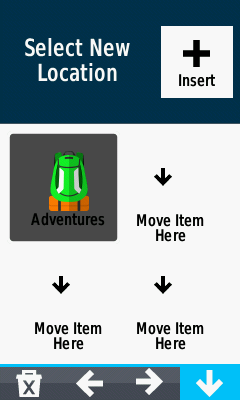
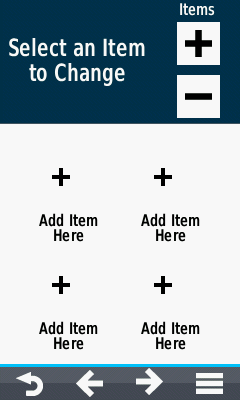
| Select the icon you wish to delete |
 Remove selected icon |
 Send selected icon to the drawer |
Selected icon has been removed from the main menu. |
Swap Main Menu Icons
 |
 |
 |
 |
|||||
|---|---|---|---|---|---|---|---|---|
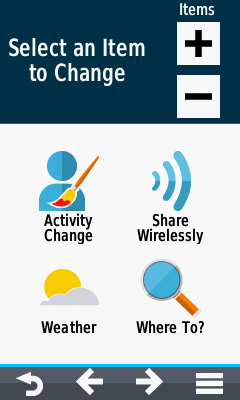
| To swap icon positions; |
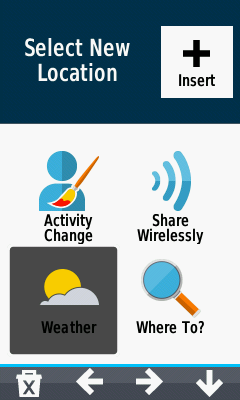
Select the first icon... |
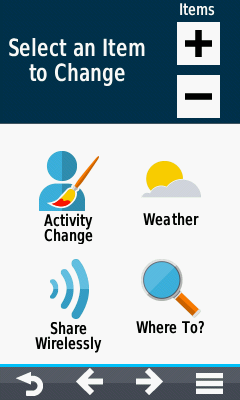
Select a second icon... |
The selected icons swap positions |
Insert Main Menu Icon
 |
 |
 |
 |
|||||
|---|---|---|---|---|---|---|---|---|
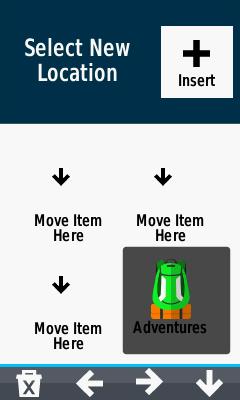
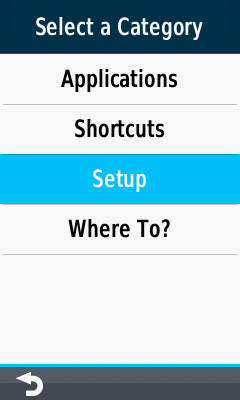
| Navigate to desired Main Menu page |
Select desired position to insert icon |
Select [ Insert] |
Choose from Applications, Shortcuts, Setup or Where To? |
|||||
 |
 |
|||||||
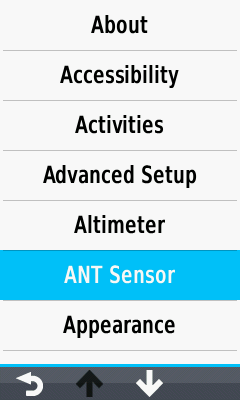
| Make your selection from available options, |
And the selected icon is placed. |
Change Dashboards
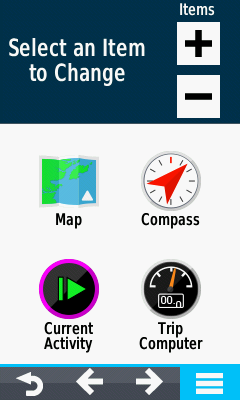
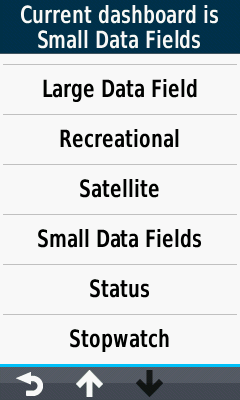
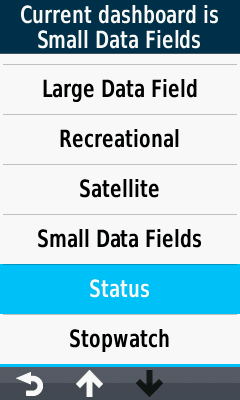
- Select desired Dashboard for each Main Menu Screen:
 |
 |
 |
 |
|||||
|---|---|---|---|---|---|---|---|---|
 Select Menu |
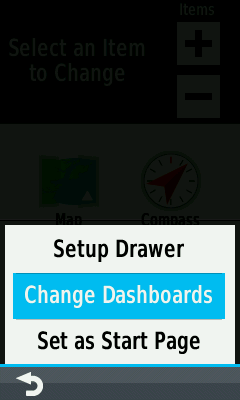
Select [Change Dashboards] |
Current Dashboard and Available Dashboards are Displayed |
Select Desired Dashboard |
Main Menu Options
 |
 |
 |
 |
|||||
|---|---|---|---|---|---|---|---|---|
|
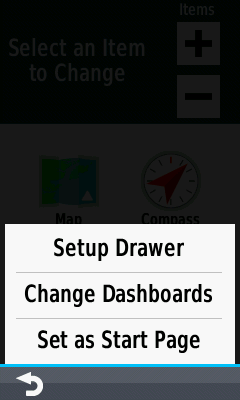
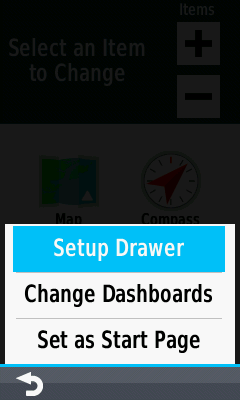
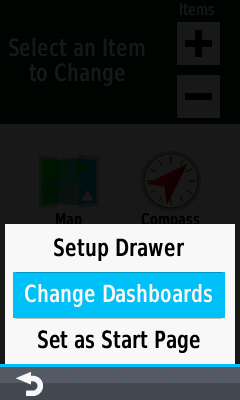
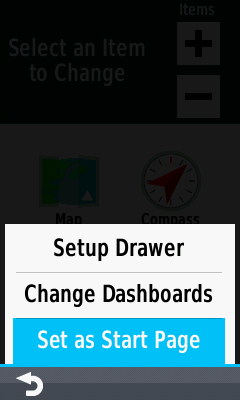
[Setup Drawer] Organize drawer menu |
[Change Dashboards] Select a dashboard for the current main menu page |
[Set As Start Page] Make current page the default start page for the active profile |
Drawer
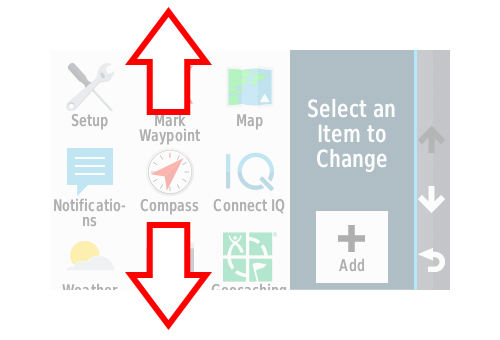
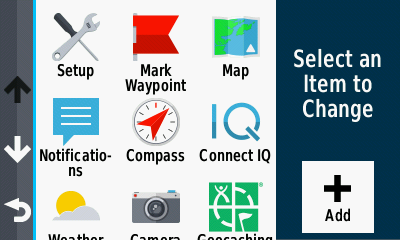
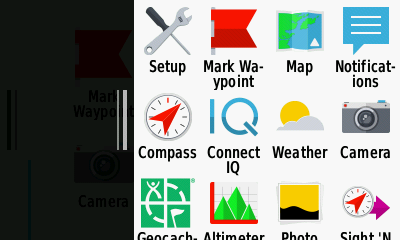
- The Drawer Menu always scrolls vertically in both Portrait Mode and Landscape Mode:
|
|
|
|
| Landscape Left [Setup > Appearance > Landscape Controls > Left] |
Portrait | Landscape Right [Setup > Appearance > Landscape Controls > Right] |


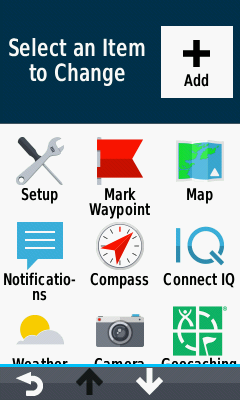
Drawer Configuration
|
|||||||
|---|---|---|---|---|---|---|---|
 |
 |
 |
|||||
| Landscape Left |
Portrait |
Landscape Right |
|||||
|
|||||||
 |
 |
 |
|||||
| Landscape Left |
Portrait |
Landscape Right |
|||||
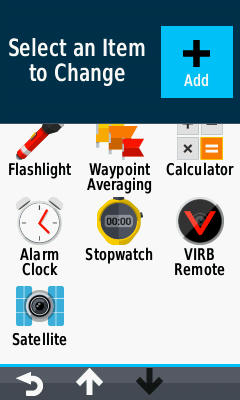
Add Drawer Icon
 |
 |
 |
 |
|||||
|---|---|---|---|---|---|---|---|---|
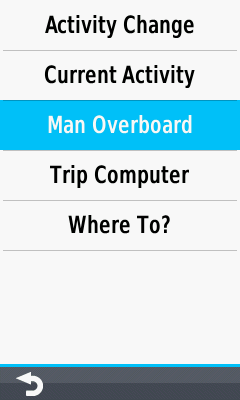
| Select [Add] to place a new icon, |
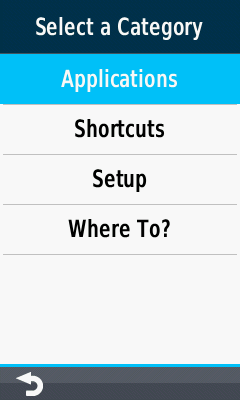
Choose from Applications, Shortcuts, Setup or Where To? |
Make a selection from available options, |
And the Selected Icon is placed. |
Remove Drawer Icon
 |
 |
 |
||||||
|---|---|---|---|---|---|---|---|---|
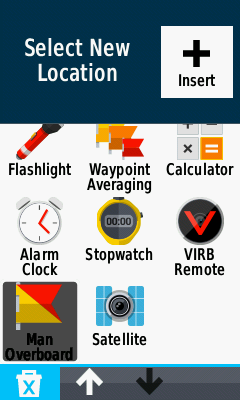
| Select the icon you wish to delete, |
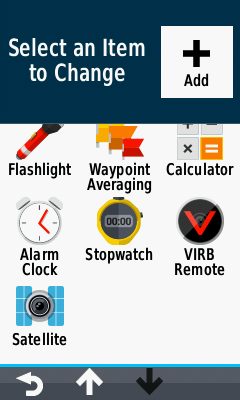
Remove selected icon |
The selected icon is removed from the drawer menu. |
Swap Drawer Icons
 |
 |
 |
 |
|||||
|---|---|---|---|---|---|---|---|---|
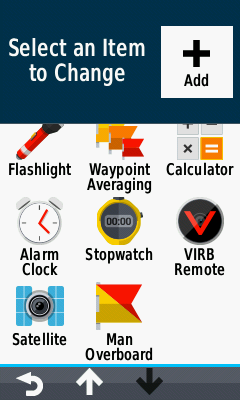
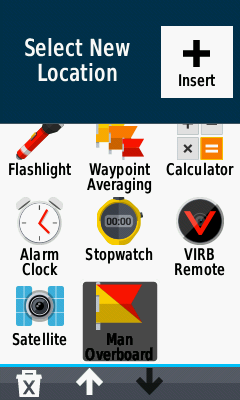
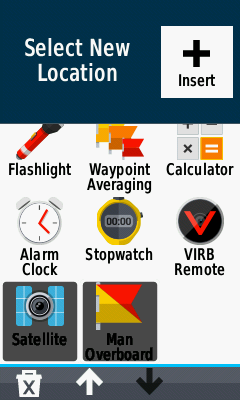
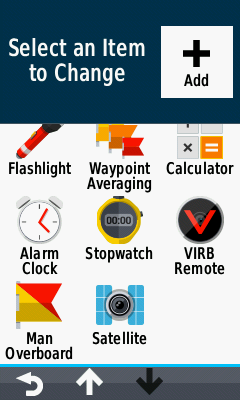
| To swap icon positions; |
Select the first icon... |
Select a second icon... |
The selected icons swap positions. |
Insert Drawer Icon
 |
 |
 |
 |
|||||
|---|---|---|---|---|---|---|---|---|
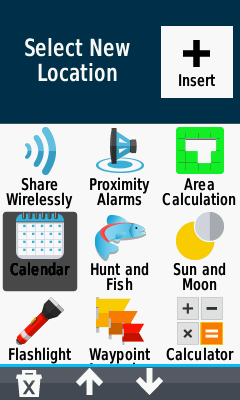
| Navigate to desired Drawer location |
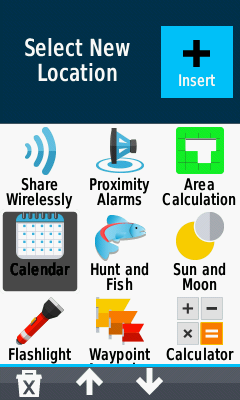
Select desired position to insert icon |
Select [ Insert] |
Choose from Applications, Shortcuts, Setup or Where To? |
|||||
 |
 |
|||||||
| Make a selection from available options, |
And the selected icon is inserted. |
