


| Start Activation | |
| Messenger App | |
| Satellite | |
|
|
Scroll up to previous selection |
|
|
Scroll down to next selection |
|
|
Confirm current selection |
|
|
Press and Hold to open Voice Command |
|
|
Return to previous menu or page |
|
|
Press and Hold to open the Action Menu |
|
|
Press to open the Lock Screen |
|
|
Press and Hold to open Controls |
| Start Activation | |||
 |
 |
 |
 |
| Press any button |
Select 'Activation' >
, or |
Select 'Activate Device' | Open Messenger App, or |
|
press and hold |
|
Activate via Satellite | |
| Messenger App | |||
 |
 |
 |
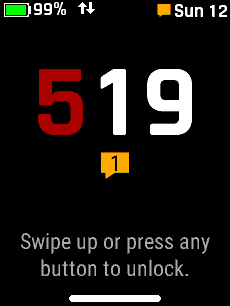 |
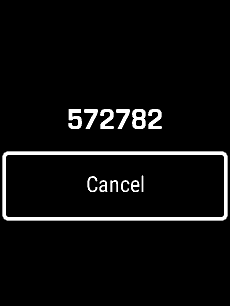
| Open Messenger App | Follow instructions | Follow instructions | Home Screen indicates |
| to pair with phone | to complete activation | New Message received | |
| Satellite | |||
 |
 |
 |
 |
|
|
Select 'Activate via Satellite' | Select 'Continue' | Select 'Activate' |
|
|
|
|
|
 |
 |
 |
 |
| Sending Request | Home Screen indicates | 'Activation Complete' | Home Screen indicates |
| Activation in progress |
|
New Message received | |
