Settings - System
Expedition Mode
  Satellite
  Display
  Language
  Waypoints
  Menus
  Battery Type
  Units
  Time
  Passcode
  Compass
  Position Format
  Course Transition
  USB Mode
  Software Updates
  Reset

Move to previous selection (or) press-and-hold to scroll selections
Move to next selection (or) press-and-hold to scroll selections
Return to previous menu (or) press-and-hold to view Glances
Confirm current selection (or) press-and-hold to Mark Waypoint
Cycle backlight on/off (or) press-and-hold to open Power Menu

Expedition Mode
  • Expedition Mode

    • Auto (Expedition Mode is activated automatically after two minutes of device inactivity)
    • Manual (Expedition Mode must be manually activated by the user)
  • Interval

    • 10 minutes
    • 20 minutes
    • 30 minutes
    • 60 minutes


Satellite
  • Satellite System

    • GPS Only
    • Multi-GNSS
    • Demo Mode


Display
  • Brightness

    • 0%
    • 5% (use with night vision devices)
    • 10%
    • 20%
    • 30%
    • 40%
    • 50%
    • 60%
    • 70%
    • 80%
    • 90%
    • 100%
  • Timeout

    • 15 Seconds
    • 30 Seconds
    • 1 Minute
    • 2 Minutes
    • Always On


Language
  • English
  • Español
  • Français
  • Italiano
  • etc.


Waypoints
  • Auto Name Type

    • Date/Time (disables all Prefix/Suffix options below)
    • Prefix/Suffix
  • Prefix Enabled

    • On
    • Off (disables Prefix option below)
  • Prefix

    • {enter desired prefix}
  • Suffix

    • {enter desired suffix}


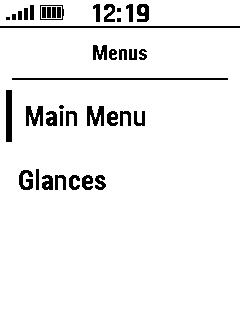
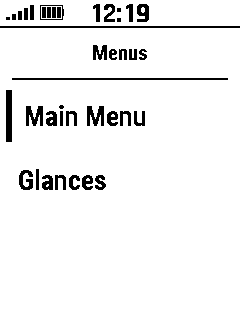
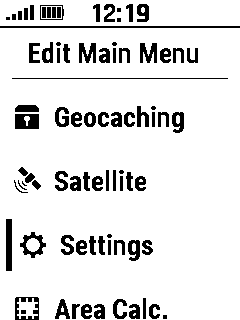
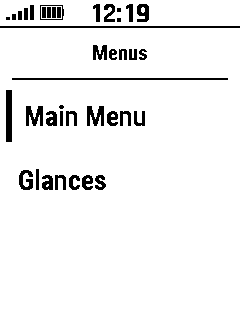
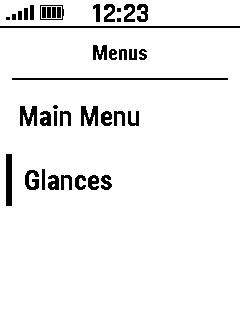
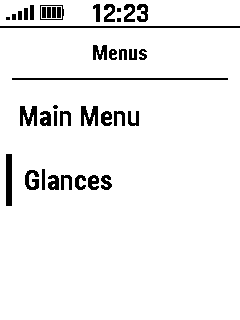
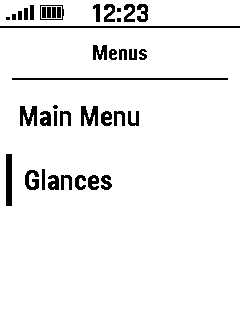
Menus
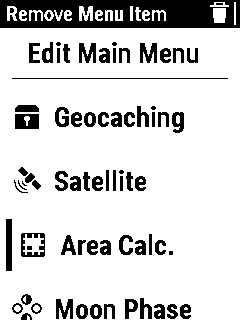
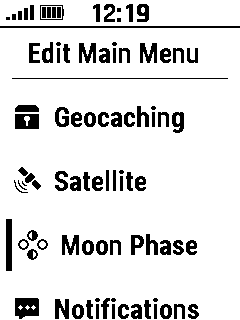
  • Main Menu
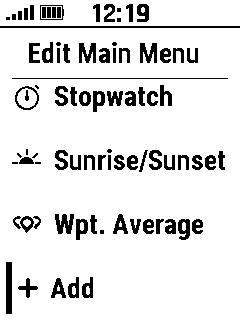
  ○ Add Shortcut
   
 
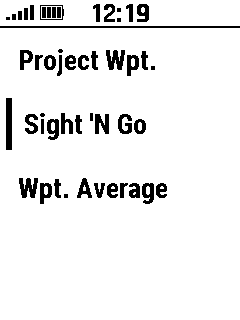
  Select 'Main Menu' Select '+Add' Select Desired Shortcut
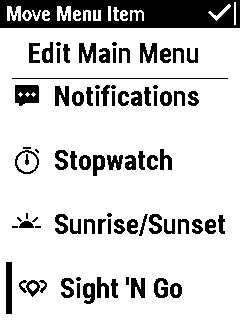
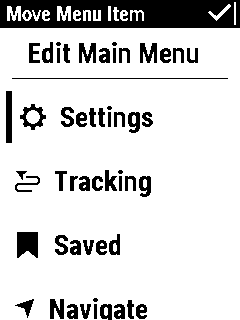
  Move as Desired
 
     
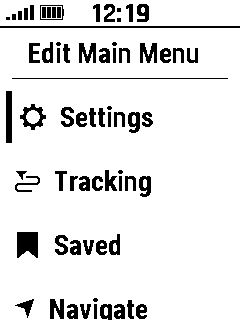
  Shortcut Added
  When Complete
 
 
  ○ Move Shortcut
   
 
  Select 'Main Menu' Select Desired Shortcut
  Move as Desired When Complete
 
 
  ○ Remove Shortcut
   
 
  Select 'Main Menu' Select Desired Shortcut   Shortcut Removed
  Remove Shortcut   
 
 
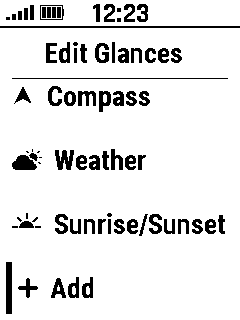
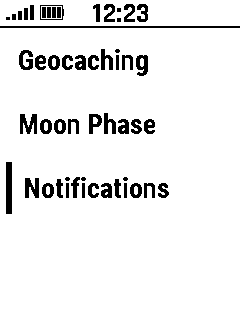
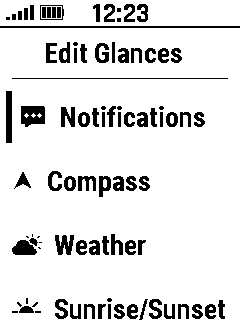
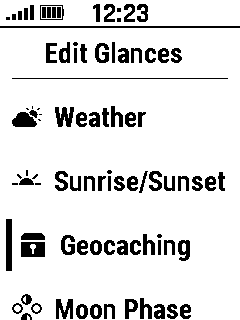
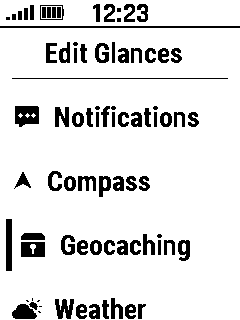
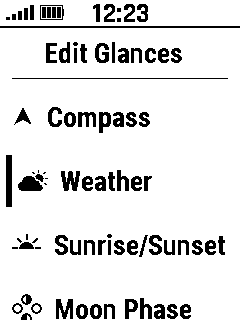
  • Glances
  ○ Add Glance
   
 
  Select 'Glances' Select '+Add' Select Desired Glance
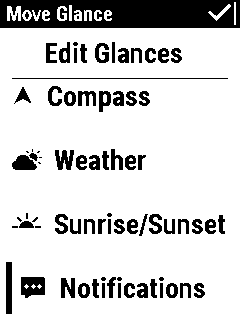
  Move as Desired
 
     
  Glance Added    
  When Complete      
 
 
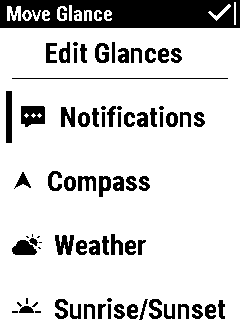
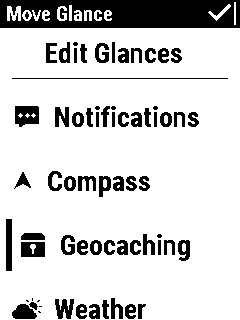
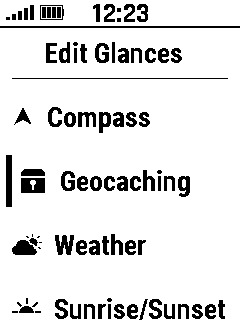
  ○ Move Glance
   
 
  Select 'Glances' Select Desired Glance
  Move as Desired When Complete


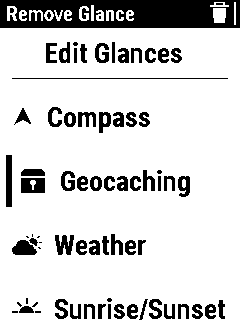
  ○ Remove Glance
   
 
  Select 'Glances' Select Desired Glance   Glance Removed
  Remove Glance  


Battery Type
  • Alkaline
  • Lithium
  • Precharged NiMH
  • NiMH


Units
  • Speed/Distance

    • Statute Miles
    • Kilometers
    • Yards
    • Nautical (nm, ft.)
    • Nautical (nm, m)
  • Wind Speed

    • mph
    • kph
    • kt
    • m/s
  • Temperature

    • Celsius
    • Farenheit
  • Vertical Speed

    • feet/min.
    • feet/hour
    • meters/min.
    • meters/sec.
    • meters/hr.


Time
  • Time Format

    • 12 Hour
    • 24 Hour
  • Time Zone

    • Automatic (disables Daylight Saving option below)
    • Adelaide
    • Almaty
    • Auckland
    • Bangkok
    • etc.
  • Daylight Savings (displayed only when Time Zone is not set to Automatic)

    • On
    • Off
    • Automatic


Passcode
  • Set Passcode (secure your device with a four digit code)

    • {enter four digit code}
    • {confirm four digit code}
  • Status

    • On (indicates a passcode has been configured)
    • Off (clears current passcode and returns to 'Set Passcode' above)
  • Timeout

    • 1  Minute
    • 5 Minutes
    • 10 Minutes
    • 15 Minutes
    • 30 Minutes
  • Change Passcode

    • {enter current passcode}
    • {enter new four digit code}
    • {confirm new four digit code}


Compass
  • Display

    • Directional Letters
    • Numeric Degrees
    • Mils
  • Pointer

    • Bearing
    • Course (CDI)
  • Compass

    • Auto (switches from electronic compass to GPS compass when traveling at higher rates of speed)
    • Off (disables 3-axis compass)
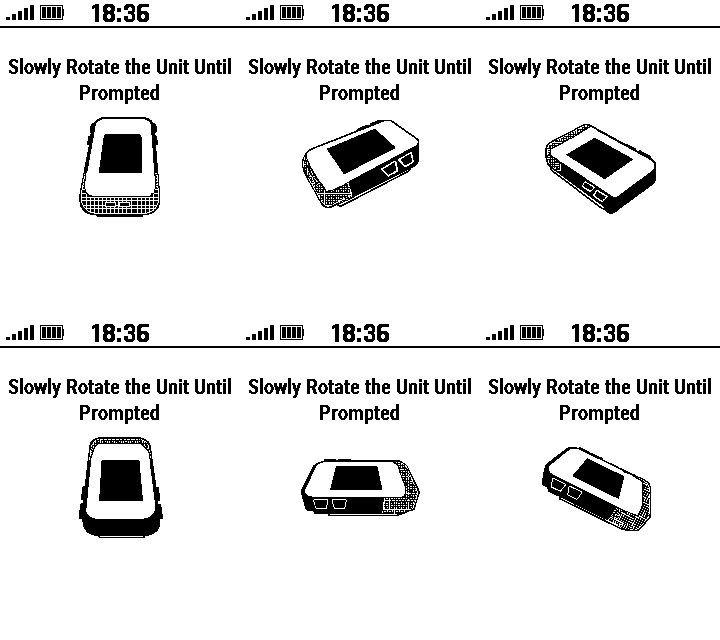
  • Calibrate
 
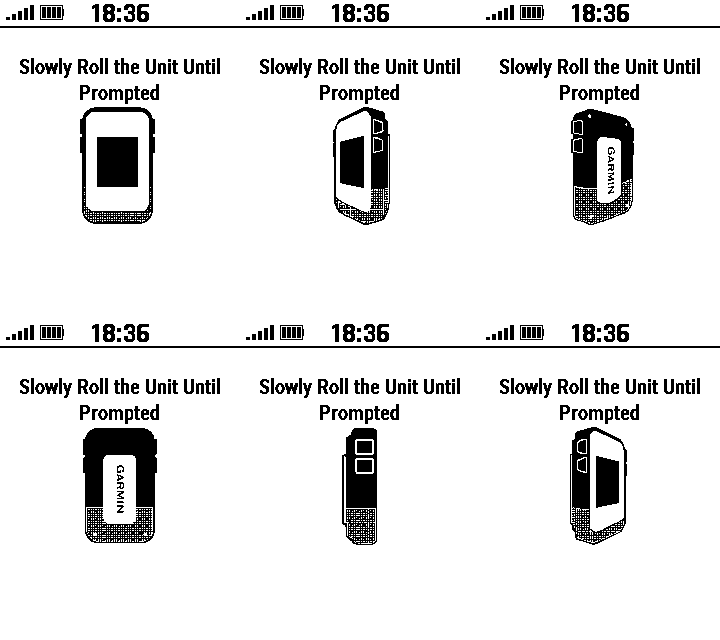
  Start Calibration Rotate Device Slowly Continue Calibration Roll Device Slowly


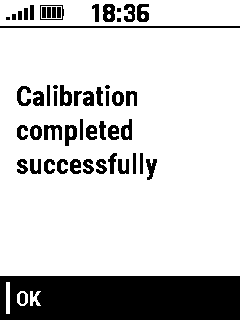
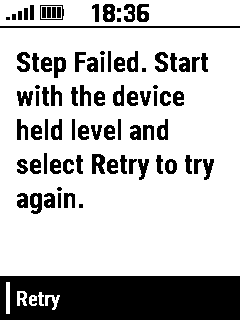
  Continue Calibration Flip Device Slowly Calibration Successful Calibration Failed
   
 
  • Dashboard

    • None
    • Geocache
    • Large Data Field
    • Small Data Fields
    • Stopwatch


Position Format
  • Format

    • hddd.ddddd°
    • hddd°mm.mmm'
    • hddd°mm'ss.s"
    • UTM UPS
    • User Grid
    • etc.
  • Datum

    • WGS 84
    • WGS 72
    • NAD83
    • User
    • etc.
  • Spheroid

    • WGS 84


Course Transition
  • Auto
  • Manual
  • Distance


USB Mode
  • Garmin (Garmin proprietary data transfer format)
  • MTP (Media Transfer Protocol - Provides limited access to internal file structure)


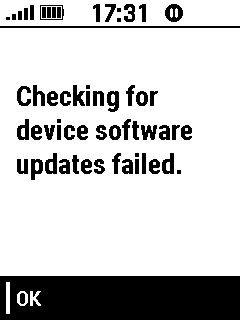
Software Updates
  • Press OK to check for available software updates (Requires active Bluetooth connection)
 
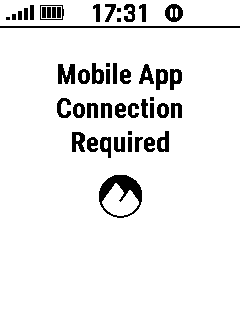
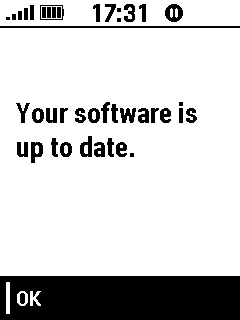
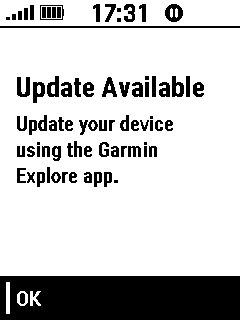
  Pair Phone No Update Available Update Available Update Check Failed


Reset
  • Reset Trip Data
  • Delete Waypoints (deletes all waypoints)
  • Clear Recording (clears current recording)
  • Reset All Settings (restores default settings without removing any user data)
  • Delete All (restores default settings and removes all user data)