


| Contact List | |
| View Contact | |
| Add Contact | |
| Edit Contact | |
| Remove Contact | |
|
|
Scroll up to previous selection |
|
|
Scroll down to next selection |
|
|
Confirm current selection |
|
|
Press and Hold to open Voice Command |
|
|
Return to previous menu or page |
|
|
Press and Hold to open the Action Menu |
|
|
Press to open the Lock Screen |
|
|
Press and Hold to open Controls |
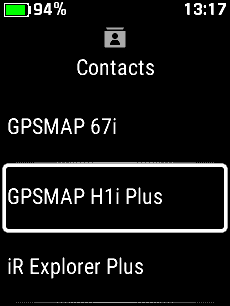
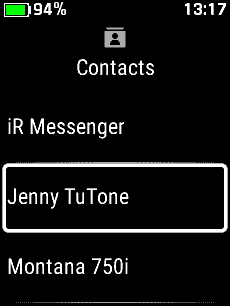
| Contact List | |||
 |
 |
 |
 |
|
|
|
|
|
| Scroll to view available contacts | |||
| View Contact | |||
 |
 |
 |
 |
| Select desired contact | View contact info |
|
Select menu |
|
|
Scroll contact info |
|
|
 |
 |
||
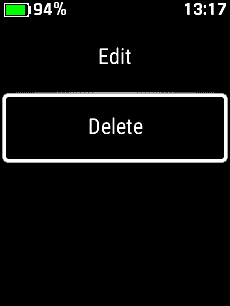
| Edit Contact | Delete Contact | ||
|
|
|
||
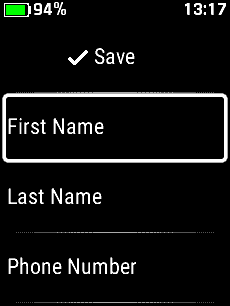
| Add Contact | |||
 |
 |
 |
 |
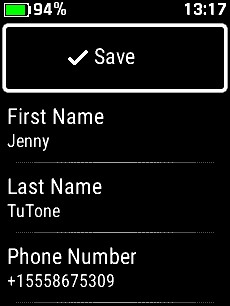
| '+ New Contact' | Select 'First Name' | Enter first name | Select 'Last Name' |
|
|
|
|
|
 |
 |
 |
 |
| Enter last name | Select 'Phone Number' | Enter phone number | Select 'Email Address' |
|
|
|
|
|
 |
 |
 |
 |
| Enter email address | View entered data | Select 'Save' | New contact is loaded |
|
|
|
|
|
| Edit Contact | |||
 |
 |
 |
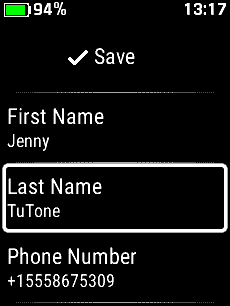 |
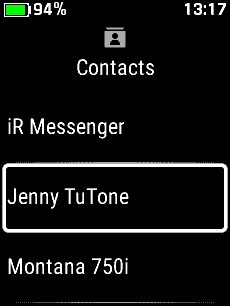
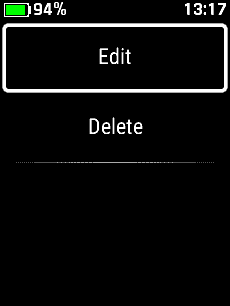
| Select desired contact | Select menu | Select 'Edit' | Select desired item to edit |
|
|
|
|
|
 |
 |
 |
 |
| Edit contact information | View edited contact info | Select 'Save' | Contact information is updated |
|
|
|
|
|
| Remove Contact | |||
 |
 |
 |
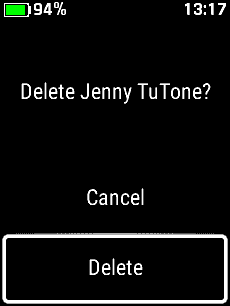 |
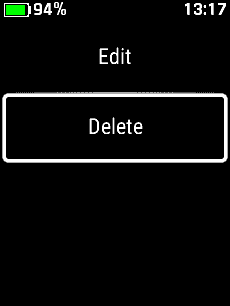
| Select desired contact | Select menu | Select 'Delete' | Select 'Delete' |
|
|
|
|
|
