


| Map Orientation | |
| Pan / Zoom Map | |
|
|
Scroll up to previous selection |
|
|
Scroll down to next selection |
|
|
Confirm current selection |
|
|
Press and Hold to open Voice Command |
|
|
Return to previous menu or page |
|
|
Press and Hold to open the Action Menu |
|
|
Press to open the Lock Screen |
|
|
Press and Hold to open Controls |


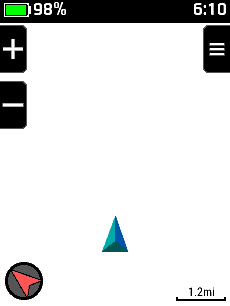







 Touch
and drag map to pan in any direction
Touch
and drag map to pan in any direction Touch
map to view coordinates and distance to selected location
Touch
map to view coordinates and distance to selected location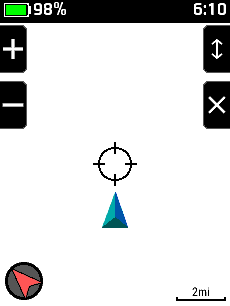


 Zoom In
 Pan Up
 Pan Left


